Avery M., who sent this tip, noticed the new interface when visiting iGoogle Japan, but that could be a coincidence.


{ Thanks, Avery. }



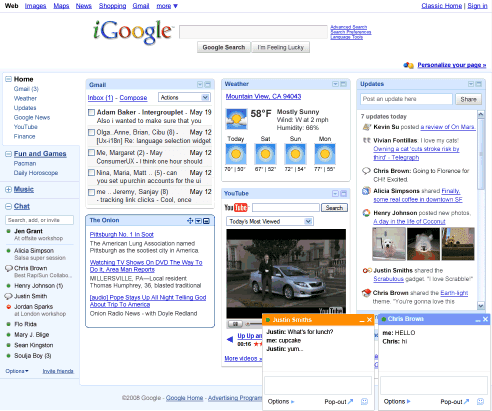


As several of you have noticed, we made a change in iGoogle to the way that iGoogle's Gmail gadget works. If you previously set Gmail to only access your mail using https by selecting "Always use https" in Gmail's settings, you will now see a message in iGoogle's Gmail gadget asking you to open the full version of Gmail. We made this change in iGoogle for those users who want to ensure that their Gmail is transmitted using https.
We know that many of you would like to access your mail from iGoogle with https, and we're investigating ways to provide https support for iGoogle's Gmail gadget. In the meantime, you have a couple of choices:
- If you'd prefer to access your mail with https, please visit Gmail directly at https://mail.google.com/mail.
- If you'd rather get your Gmail on iGoogle with the Gmail gadget, visit Gmail's Settings page and select "Don't always use https."

The What's Popular gadget by Google helps you discover interesting items from all over the Internet.
How we find interesting stuff
What's Popular uses algorithms to find interesting content from a combination of your submissions and trends in aggregated user activity across a variety of Google services, like YouTube and Google Reader.
Ratings
You can rate items that you like or dislike by clicking the ratings buttons next to each item. If you change your mind, you can change your rating at anytime. The What's Popular gadget looks at what users liked or disliked to improve its ranking of interesting items.
Add a URL
Tell What's Popular about interesting items you have found! If they become popular, they may rise to the top of our list! You can submit an item with or without attribution to yourself and preview your submission before you post. If you decide to associate your username with your submission you'll be able to edit its title and description. The items you submitted can be found in the "My adds" area, where you can remove your name if you change your mind.


